Thx for hints

Hadn’t used the retiming tool yet. It’s quite usefull, though i didn’t see it having a way to accelerate statically repeating keyframe, so that the distance between keyframes changes exponentially. Probably if the retiming scaling area was given another fcurve to handle acceleration, that’d be cool.
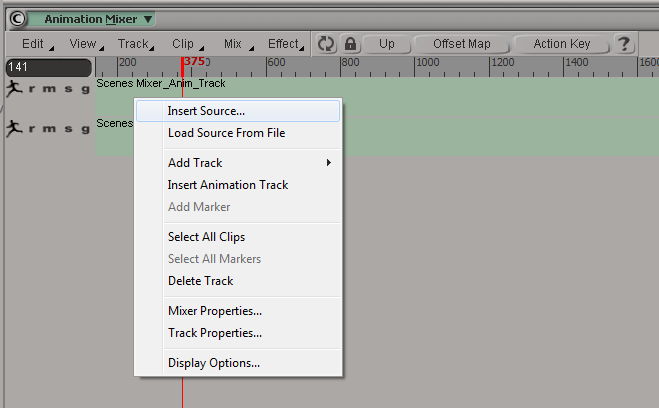
For the Animation Mixer, have tested it and watched some Animation Mixer YouTube / Vimeos and checked into the Animation Mixer in the manual.
Is the Animation Mixer use able to display / manage multiple objects ? It wasn’t yet clear to me how I would manage multiple objects in the Animation Mixer.
My goal is to have a Y-Pos animation per object, where the objects start moving one after another. Now I wanted to accelerate when each object starts picking up its turn to move.
So lets say first object starts anination on frame 1, 2nd object starts 10 frames later, 3rd object starts again 8 frames later, 4th starts again 5 frames later ... so there is an acceleration on when the objects start their animation. This is NOT about the acceleration of the y-pos move.
Also, how do I assign my clip, which contains Y-Position-and-Visibility-Off-On, to my different objects in the scene ? Apply Action is not it.
I checked “Restoring (Applying) the Animation in Action Sources to an Object”, in the manual, but it is not to apply a Mixer-Source-Animation to another polygon object.
Thinking of when i'm able to apply the Animation -Source that contains the Y-Pos and the Hide animation, then I probably need to do the timing of the different objects in the Dope-Sheet. Is that correct ? And does the Dope-Sheet have a tool to re-time / warp the staring point of the animation for multiple objects? So to control the "Acceleration" of when each object starts its animation ?