Hiya, I had a quick play around and figured I might as well share the scene, this is far from perfect but sort of works

.
http://www.mediafire.com/download.php?tg1os8g26y63vqt

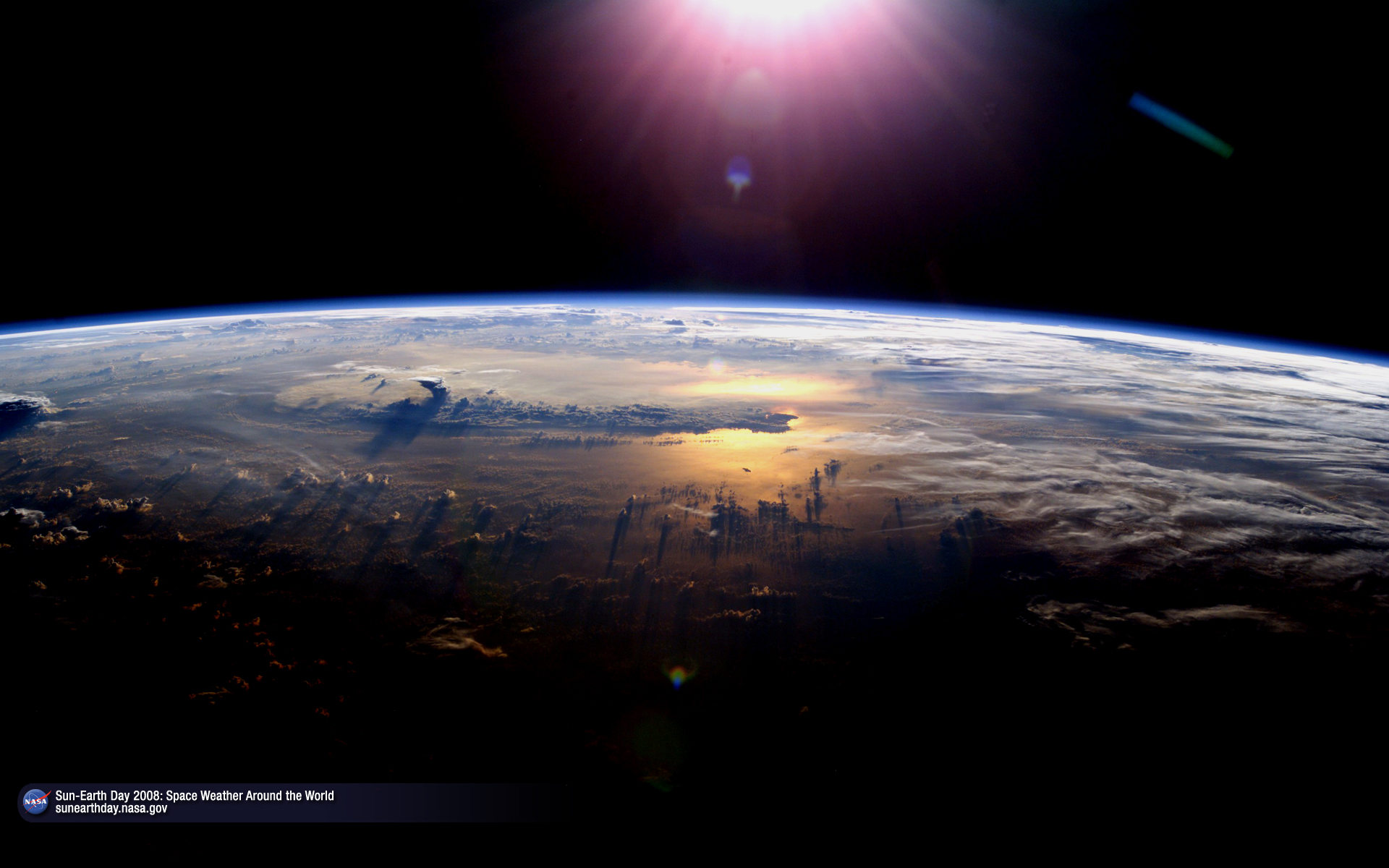
It's basically just 5 or 6 atmosphere spheres that increase slightly in size, have 0-1 linear weight maps, and then are direction constrained to the sun light. For the atmosphere surface there is a camera angle incidence node driving a gradient mixer to limit the transparency to a sort of halo effect, which is then mixed with the weight map data to limit it to the side that the light hits... Annoyingly using the light mode in an incidence node creates a double effect when used in transparency (both sides of the object are effected, not sure how to stop that happening), hence the weight maps. You could also just use a planar mapped gradient image instead of weight maps I guess.
You can play around with the effect by adjusting the gradients (e.g. moving the mid point on Gradient1 adjusts the transition point for the cutoff, and adjusting Gradient2 to control the halo density / falloff etc), or adding / hiding atmospheres... I'd probably make each atmosphere's surface local and play around with them individually.. dunno. If you notice any banding you could make the scale difference between atmospheres less and add some more.. just remember to increase the refraction trace depth in render options.
One issue this way has is that when the sun is directly behind the planet you have no atmosphere visible at all, though I guess you could get round that by linking Gradient1's position1 colour to a custom parameter and animate that if / when the sun is directly behind the planet.. bit of a hack and not ideal, ho hum.. hope this gives you some ideas, gl
oh.. sorry if this scene is a bit dark, I usually have colour management enabled...
Edit: I did a little test to see how it would look animated with the sun going behind it out of curiosity
..
http://www.mediafire.com/download.php?ddn51l2e5celeec , the animtest scene has 2 custom parameters I animated that control Gradient1's (really shoulda renamed that) position 1 colour and its midpoint, you can find them in the backlit parameter set in the planet model. The torus around the planet is just so I could see what I was animating without having to render every frame hehe. There is probably an easy way to automate this using the angles between the sun, planet and camera.. hmm..










































 . I tried just looking the images he posted here but the result was horrible tbh.