Discussions about SOFTIMAGEs© Interactive Creative Environment©
-
Frank1000
- Posts: 349
- Joined: 16 Oct 2011, 12:13
- Skype: the2he
Post
by Frank1000 » 08 Oct 2012, 00:40
Hi,
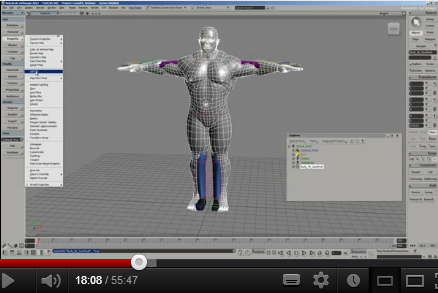
the video shows nicely how to exchange the character mesh of the "Default Pedestrian" with another character mesh (about timecode 18:00)
I now have the case that the character mesh I want to use for exchange has other proportions and I'd need to adjust the rig, to fit the character mesh. I did that, but got odd results, when applying GATOR the new character mesh kinda offsets and I couldn't figure the hierarchy of things.
Someone knowing how this is done right, or has a link to a good tutorial for such a case ?
Thx,
Frank
-
EricTRocks
- Moderator
- Posts: 754
- Joined: 25 Nov 2009, 00:41
Post
by EricTRocks » 08 Oct 2012, 02:34
Its probably because the rig you're gator'ing to isn't at its bind pose. You need that to be the case so most of the time set the character's controls back to 0 then do the gator.
-
Frank1000
- Posts: 349
- Joined: 16 Oct 2011, 12:13
- Skype: the2he
Post
by Frank1000 » 08 Oct 2012, 11:13
Hi Eric,
as far as I can tell I'm in the binding pose (frame 1, no animations) . Does that mean I need to set neutral pose for all parts of the rig before GATORing ?
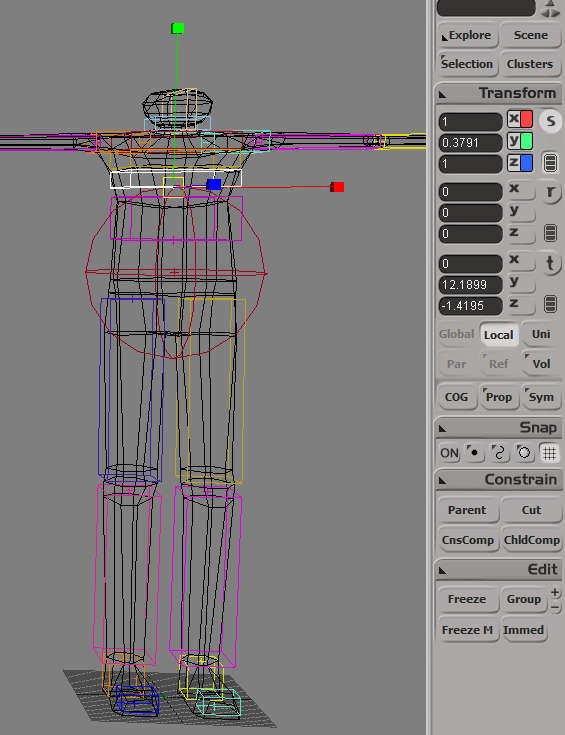
Also, if I want to scale the torso for example, how is this done ? Scaling from the chest deformer scales the whole hierarchy, respectively if "Child Comped" it doesn't affect the mesh at all ...
-
Frank1000
- Posts: 349
- Joined: 16 Oct 2011, 12:13
- Skype: the2he
Post
by Frank1000 » 08 Oct 2012, 11:28
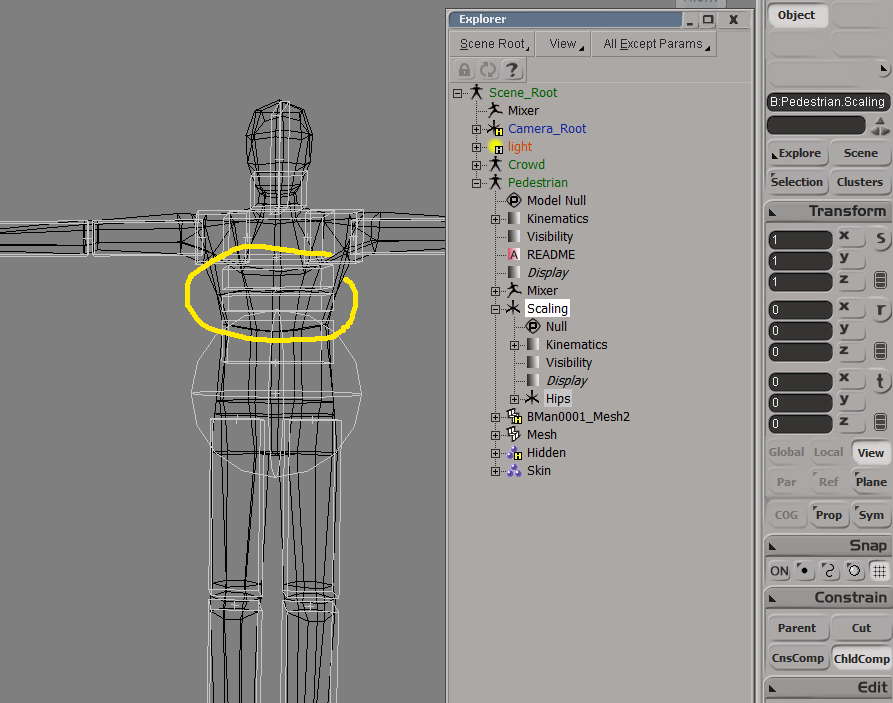
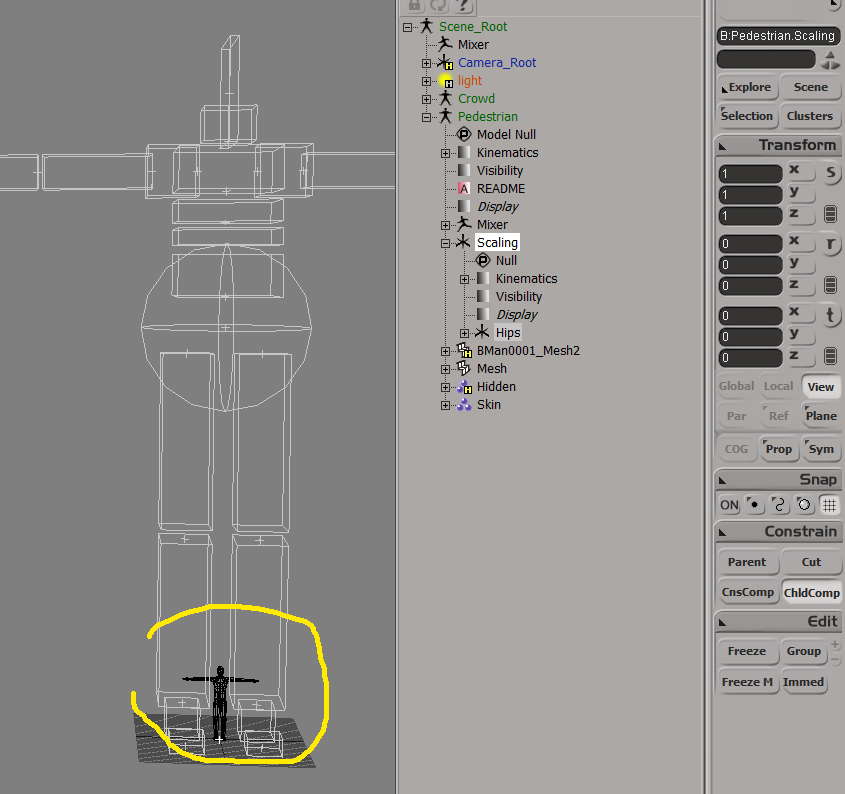
ok, I figured I can change the proportions by scaling single rig parts with "Child Comp" on, then moving the hierarchy beneath it to where I need it. The envelope character follows nicely. But when I try to set the reference pose again, the character shrinks down ...
-
mattmos
- Posts: 445
- Joined: 02 Dec 2009, 15:59
Post
by mattmos » 08 Oct 2012, 12:01
Your character is waaay too large. Unless he's a giant? Work on 1 softimage unit = 10 cm, so your character should be around 15 - 20 softimage grid squares high.
-
Frank1000
- Posts: 349
- Joined: 16 Oct 2011, 12:13
- Skype: the2he
Post
by Frank1000 » 08 Oct 2012, 12:14
yes, I'm trying to do that, but still being lost, since when changing the scale, the relation between deformer and envelope is not kept. When I "deform / envelope / set reference poses" to the deformer (rig) then the envelope (mesh) switches back to the original large scale.
What is the sequence of action for me to achieve this right ?
-
mattmos
- Posts: 445
- Joined: 02 Dec 2009, 15:59
Post
by mattmos » 08 Oct 2012, 12:36
Ideally it would be to set the scale of your model before enveloping, making sure the mesh is frozen and has zero transforms and scale set to 1.
I'd probably start over, there are ways to sort it out by exporting your weights in the weight editor and re-applying the envelope, but it would be quicker to re-envelope, having adjusted the mesh beforehand.
-
Frank1000
- Posts: 349
- Joined: 16 Oct 2011, 12:13
- Skype: the2he
Post
by Frank1000 » 08 Oct 2012, 15:18
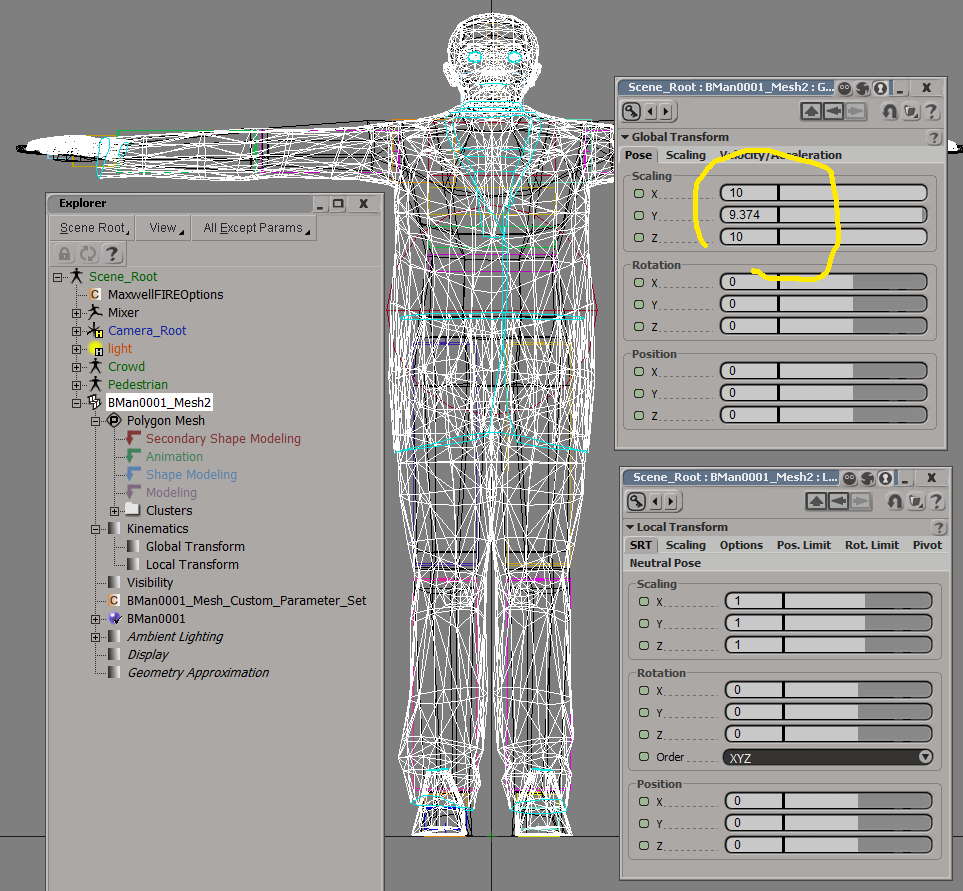
ok, I froze the target character, but how do I get rid of the Global Transform ? Transform Freeze wouldn't help either.