








































It is very sad, but I can not reproduce the bug.
The system of color correction works in the following way: after each render session the system save the raw pixels of the output image without any color correction. Then, when render settings is changed, the system looks, may be the user change only color correction settings. If so, then it does not start new render, but use previously saved pixels, apply correction with selected parameters and output the image to the screen. So, at each render call, the system can make actual render or reuse the result of the previous render. If in the console log there is a string with render time, then the system make actual render and remember raw image, if nothing appear, then it reuse the image, remembered in the previous render call.
May be your bag can be fixed by simply re-rendering the scene. The system save proper raw pixels, and all will works fine.
What vesion of the Softimage you use? The icon is not the same as on 2015 version. May be this is the reason?
Cycles for Softimage
Plugins linking to this thread: (hide)
 Sycles 2.4.1
 V 2.4.1 released August 2026 —
This is a full integration of the Blender Cycles renderer into XSI. Version 2.4 is compiled with Cycles 5.3 (state of July 2026). The second generation of the addon (since 2.0) is a complete rewrite and works with Softimage 2015 SP2.
New since version 2.1.3 (from the github release notes): 2.4.1: fixed incorrect transforms of instances when the master model has rotation or scale, repacked with missing DLLs 2.4: Cycles 5.3. New Alpha parameter for the ImageTexture node, Sky Texture with Single and Multiple Scattering models, Thin Film for Metallic and Glass BSDF, new Raycast and Scene Time nodes, OSL custom camera, Linear 3D curve shape (also as per-object override), Geometry Approximation mode for NURBS surfaces, Render Time pass (CPU), texture optimisation (resolution, limit, tx texture cache) and a detailed scene export timing log 2.4: renders MaterialX shader trees from the MaterialXSI addon (converted to OSL). Note: OSL shading works on CPU render devices only 2.3.x: Cycles 4.5, OSL support is back, new Metallic BSDF and Set Normal nodes, phase function for Scatter Volume, Diffuse Roughness for Principled BSDF, more Noise Texture types, subdivision with motion deform, per-frame texture images, rendering of NURBS surfaces and curves (via custom properties), tile rendering, fixed shadow catcher, vector input ports for OSL shaders 2.2.x: nodes of Blender 4.3 (Ray Portal BSDF, Sheen BSDF, Gabor Texture, redesigned Principled BSDF), current Blender OCIO color profiles, custom velocity grids for VDB primitives, Particle Info node fed by ICE attributes, denoising of the final passes with OIDN or OptiX
Supported Softimage features (quoted from the download page):
Polygon meshes and hair geometry Texture coordinates Vertex colors Shaderball preview. For materials, shader nodes and texture nodes Basic limited support of the following built-in Softimage shader nodes: Phong, Lambert, Hair Shading, Image, converters between vector, color and scalar Ambience global environment light Limited support of built-in Softimage light sources Model instances ICE strands geometry ICE pointcloud instances ICE geometry attributes (vector, color and scalar) with context per-point and per-object Volume rendering. In particular supports emFluid, Explosia FX and openVDB for Softimage volumes Special VDB Primitive for rendering vdbs without ICE Output multilayered exr file with all rendered passes Rendermaps
The following features from Cycles itself are supported: CPU and GPU rendering. In particular multidevices are supported. This allows you to use cpu and gpu simultaneously. The libraries for GPU rendering are included in the package. All Cycles shader nodes OSL shaders OpenColorIO profiles (Blender profile included) All Cycles output passes (Combined, Depth, Normal and so on) Color and value shader AOVs Lightgroups Cycles camera properties, in particular all panorama modes Cycles light sources Denoising by using Open Image Denoise and OptiX denoiser
For more information, full documentation and a list of the available Cycles nodes see the download page linked below. There is no local backup because the addon is still frequently updated - the plugin can be downloaded on Shekn's github releases. The source code is available on github there as well.
This is a full integration of the Blender Cycles renderer into XSI. Version 2.4 is compiled with Cycles 5.3 (state of July 2026). The second generation of the addon (since 2.0) is a complete rewrite and works with Softimage 2015 SP2.
New since version 2.1.3 (from the github release notes): 2.4.1: fixed incorrect transforms of instances when the master model has rotation or scale, repacked with missing DLLs 2.4: Cycles 5.3. New Alpha parameter for the ImageTexture node, Sky Texture with Single and Multiple Scattering models, Thin Film for Metallic and Glass BSDF, new Raycast and Scene Time nodes, OSL custom camera, Linear 3D curve shape (also as per-object override), Geometry Approximation mode for NURBS surfaces, Render Time pass (CPU), texture optimisation (resolution, limit, tx texture cache) and a detailed scene export timing log 2.4: renders MaterialX shader trees from the MaterialXSI addon (converted to OSL). Note: OSL shading works on CPU render devices only 2.3.x: Cycles 4.5, OSL support is back, new Metallic BSDF and Set Normal nodes, phase function for Scatter Volume, Diffuse Roughness for Principled BSDF, more Noise Texture types, subdivision with motion deform, per-frame texture images, rendering of NURBS surfaces and curves (via custom properties), tile rendering, fixed shadow catcher, vector input ports for OSL shaders 2.2.x: nodes of Blender 4.3 (Ray Portal BSDF, Sheen BSDF, Gabor Texture, redesigned Principled BSDF), current Blender OCIO color profiles, custom velocity grids for VDB primitives, Particle Info node fed by ICE attributes, denoising of the final passes with OIDN or OptiX
Supported Softimage features (quoted from the download page):
Polygon meshes and hair geometry Texture coordinates Vertex colors Shaderball preview. For materials, shader nodes and texture nodes Basic limited support of the following built-in Softimage shader nodes: Phong, Lambert, Hair Shading, Image, converters between vector, color and scalar Ambience global environment light Limited support of built-in Softimage light sources Model instances ICE strands geometry ICE pointcloud instances ICE geometry attributes (vector, color and scalar) with context per-point and per-object Volume rendering. In particular supports emFluid, Explosia FX and openVDB for Softimage volumes Special VDB Primitive for rendering vdbs without ICE Output multilayered exr file with all rendered passes Rendermaps
The following features from Cycles itself are supported: CPU and GPU rendering. In particular multidevices are supported. This allows you to use cpu and gpu simultaneously. The libraries for GPU rendering are included in the package. All Cycles shader nodes OSL shaders OpenColorIO profiles (Blender profile included) All Cycles output passes (Combined, Depth, Normal and so on) Color and value shader AOVs Lightgroups Cycles camera properties, in particular all panorama modes Cycles light sources Denoising by using Open Image Denoise and OptiX denoiser
For more information, full documentation and a list of the available Cycles nodes see the download page linked below. There is no local backup because the addon is still frequently updated - the plugin can be downloaded on Shekn's github releases. The source code is available on github there as well.
download page: https://ssoftadd.github.io/syclesSecondGenPage.html / wiki with tutorials / all of Shekn's plugins / author on vimeo / si-community thread
-
Shekn
- Posts: 254
- Joined: 30 Dec 2016, 19:18
-
I3D

- Posts: 122
- Joined: 12 Aug 2009, 16:15
- Skype: ironic3d
Re: Cycles for Softimage
Thanks Shekn
I am using 2015 SP2, the icon was changed manually through a downloaded package from the resources section in this site, it's called XSI Essential package (kind of FU for Autodesk).
That is strange, the old version 1.11 doesn't give me this grief at all. I actually noticed it first by opening a scene saved with 1.11, the result was a kaleidoscope. The I'll show you.
Here is the original:
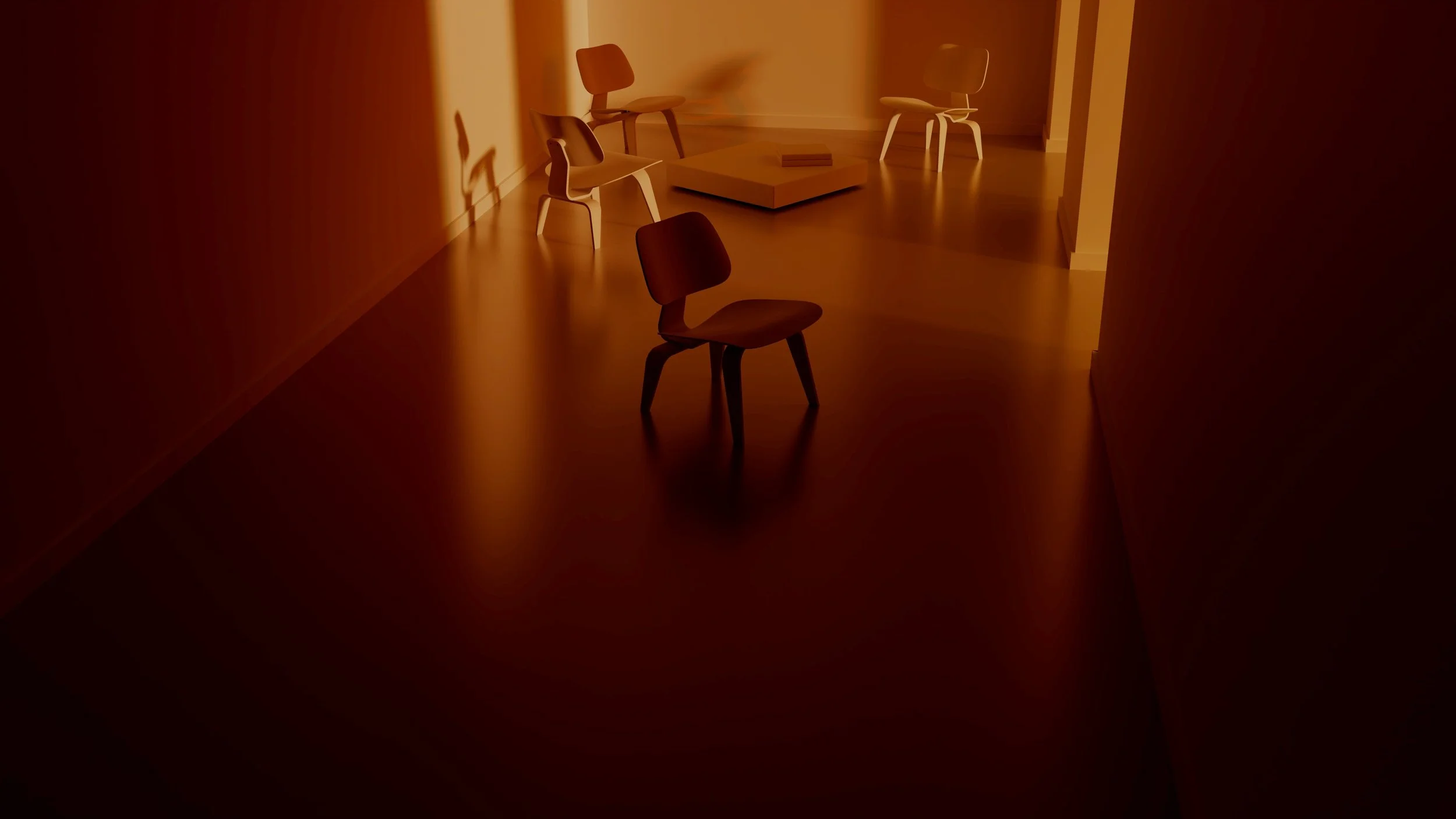
Here is the same scene opened in 1.12 (it's not apparent when it finally renders, but there are smudges on the walls, Check the video below this image to see what I mean how the render starts)
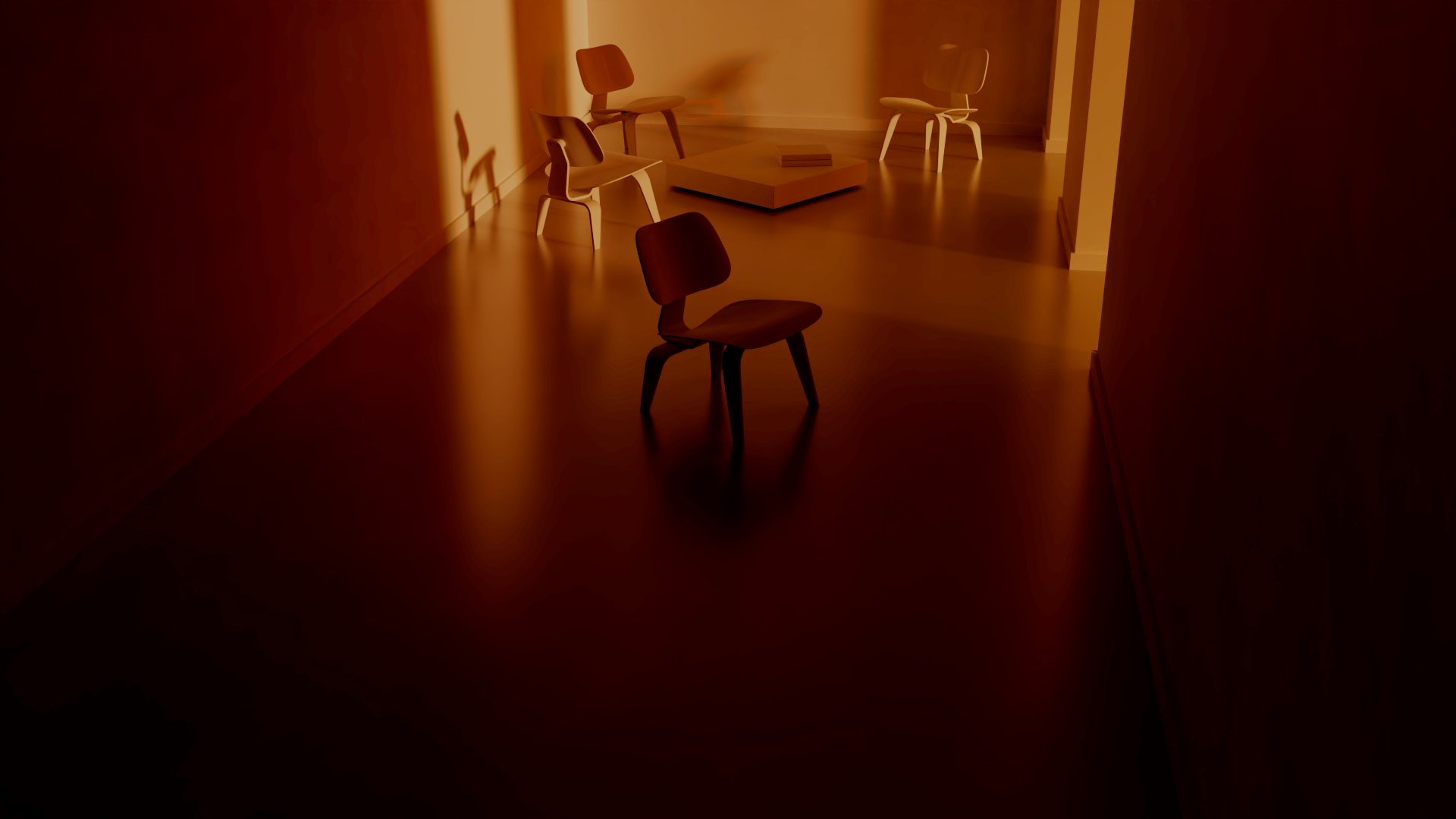
The video of how the render starts and progress is below, I've never seen this behavior before!
And here is the scene file if you want to check it for yourself:
Cheers
I am using 2015 SP2, the icon was changed manually through a downloaded package from the resources section in this site, it's called XSI Essential package (kind of FU for Autodesk).
That is strange, the old version 1.11 doesn't give me this grief at all. I actually noticed it first by opening a scene saved with 1.11, the result was a kaleidoscope. The I'll show you.
Here is the original:
Here is the same scene opened in 1.12 (it's not apparent when it finally renders, but there are smudges on the walls, Check the video below this image to see what I mean how the render starts)
The video of how the render starts and progress is below, I've never seen this behavior before!
And here is the scene file if you want to check it for yourself:
Cheers
-
sirdavid32

- Posts: 309
- Joined: 10 Feb 2010, 03:36
- Location: Ecuador
Re: Cycles for Softimage
Thank you, Shekn, for this outstanding update!
I can't imagine all the hours that go behind keeping up SYCLES alive.
Thank you, sir.
I can't imagine all the hours that go behind keeping up SYCLES alive.
Thank you, sir.
Portfolio: https://www.behance.net/3dcinetv
Vimeo: http://vimeo.com/3dcinetv
Web: http://www.3dcinetv.com
Vimeo: http://vimeo.com/3dcinetv
Web: http://www.3dcinetv.com
-
Shekn
- Posts: 254
- Joined: 30 Dec 2016, 19:18
Re: Cycles for Softimage
I3D
I think, that the problem in the following. Version 1.12 have some new parameters, which does not exists in previous 1.11. When you open the scene, saved in the previous version of the render, then it use old set of render settings. You can not tweak new settings, because it does not show in UI (this is common behaviour of the Softimage). So, when you start the render, it use default (and may be non-initialized) values of new parameters, and as a result produce wrong image. These parameter values may be nonsensical for the renderer. What you show on the video is close to effect of the "Scrambling distance" parameter.
Solution: merge old scene to the new empty scene and setup render settings from scratch. All should works.
I think, that the problem in the following. Version 1.12 have some new parameters, which does not exists in previous 1.11. When you open the scene, saved in the previous version of the render, then it use old set of render settings. You can not tweak new settings, because it does not show in UI (this is common behaviour of the Softimage). So, when you start the render, it use default (and may be non-initialized) values of new parameters, and as a result produce wrong image. These parameter values may be nonsensical for the renderer. What you show on the video is close to effect of the "Scrambling distance" parameter.
Solution: merge old scene to the new empty scene and setup render settings from scratch. All should works.
-
SPJ

- Posts: 75
- Joined: 14 Jun 2014, 13:38
Re: Cycles for Softimage
Thanks for the update on Sycles! So pleased to report I can successfully get GPU render from my Radeon 5700XT for the first time. Haven't done any benchmark testing yet to see how much improvement it has made to render time, but it should be significant!
Really appreciate the work you are doing to implement cycles into SI!
Really appreciate the work you are doing to implement cycles into SI!
-
SPJ
- Posts: 75
- Joined: 14 Jun 2014, 13:38
Re: Cycles for Softimage
Quick question to see if anyone has worked with equirectangular (360) rendering using Sycles?
I've been using a lens shader for Mental Ray which works well, but obviously won't work with Sycles render engine. It looks like Cycles in Blender uses a 360 camera object in the scene, but I haven't found a Sycles equivalent.
I've been using a lens shader for Mental Ray which works well, but obviously won't work with Sycles render engine. It looks like Cycles in Blender uses a 360 camera object in the scene, but I haven't found a Sycles equivalent.
-
Shekn
- Posts: 254
- Joined: 30 Dec 2016, 19:18
Re: Cycles for Softimage
Select the camera object (not the root null), add CyclesCamera property (by Property - Cycles Properties - Add Camera Property), switch camera type to Panorama. Then you will be able to select different modes of the panorama camera, tweak parameters and so on.
-
SPJ
- Posts: 75
- Joined: 14 Jun 2014, 13:38
Re: Cycles for Softimage
Amazing! Will check that out, thanks.
-
Surface_VR
- Posts: 39
- Joined: 11 May 2020, 12:22
Re: Cycles for Softimage
Thank you Shekn for the update on Sycle.
I did a render test of the same Scene.
The render time in 1_11_1 was 2 hours, but in 1_12 it was 1 hour 23 minutes,
And with the GPU on, it took 37 minutes! This is amazing!
But VDB is a little different from the previous render results, image attached
To make the detail closer to the previous 1_11_1, I left Passes blank in the Denoising tab of the Render Options and VDB produced the desired result.
However, the detail on other objects will be a bit lower quality.
1). 1_11_1
2). 1_12 - Merge. (1_11_1 to a new Scene)
3). 1_12 - Merge. (1_11_1 to a new Scene) Passes blank in the Denoising tab of the Render Options
4). 1_12 - New Scene. (Rebuilt the Scene from scratch.)
5). 1_12 - New Scene. Passes blank in the Denoising tab of the Render Options
Or does this mean that 1_12 is rendering the VDB in finer detail?
I did a render test of the same Scene.
The render time in 1_11_1 was 2 hours, but in 1_12 it was 1 hour 23 minutes,
And with the GPU on, it took 37 minutes! This is amazing!
But VDB is a little different from the previous render results, image attached
To make the detail closer to the previous 1_11_1, I left Passes blank in the Denoising tab of the Render Options and VDB produced the desired result.
However, the detail on other objects will be a bit lower quality.
1). 1_11_1
2). 1_12 - Merge. (1_11_1 to a new Scene)
3). 1_12 - Merge. (1_11_1 to a new Scene) Passes blank in the Denoising tab of the Render Options
4). 1_12 - New Scene. (Rebuilt the Scene from scratch.)
5). 1_12 - New Scene. Passes blank in the Denoising tab of the Render Options
Or does this mean that 1_12 is rendering the VDB in finer detail?
You do not have the required permissions to view the files attached to this post.
-
I3D
- Posts: 122
- Joined: 12 Aug 2009, 16:15
- Skype: ironic3d
Re: Cycles for Softimage
Hey Shekn
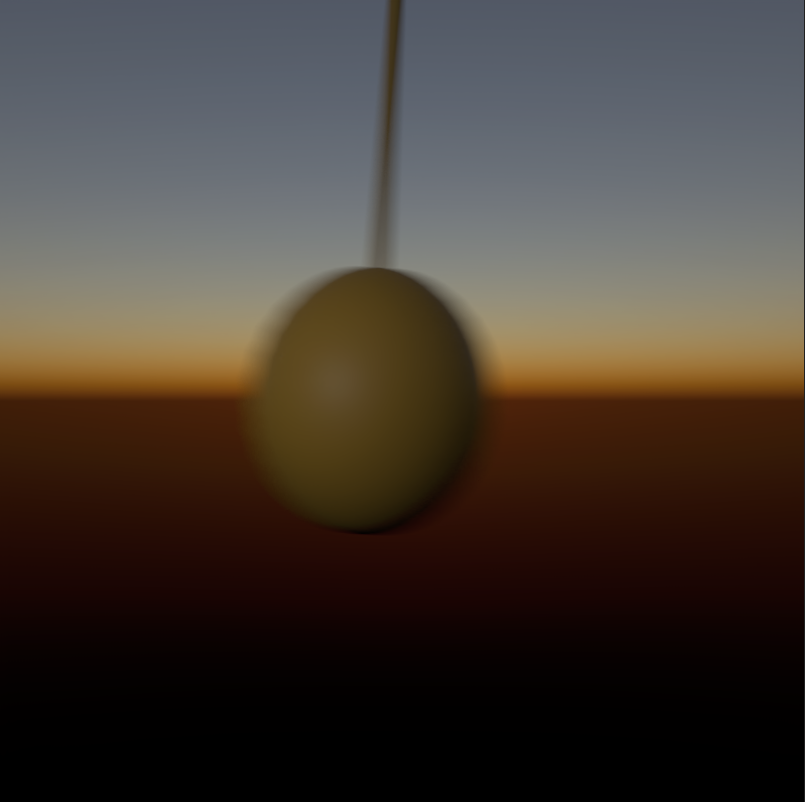
I'm experiencing banding in lots of areas with Sycles, even when rendering directly to EXR. When previewing of course they are more apparent, less apparent in Final render but they are there. So any These are mostly apparent in dark areas. Any idea how to remove them?
The image below is a full float EXR exported to PNG, notice the banding in the dark areas, any color correction make it worse.
And this is a direct render to PNG from XSI
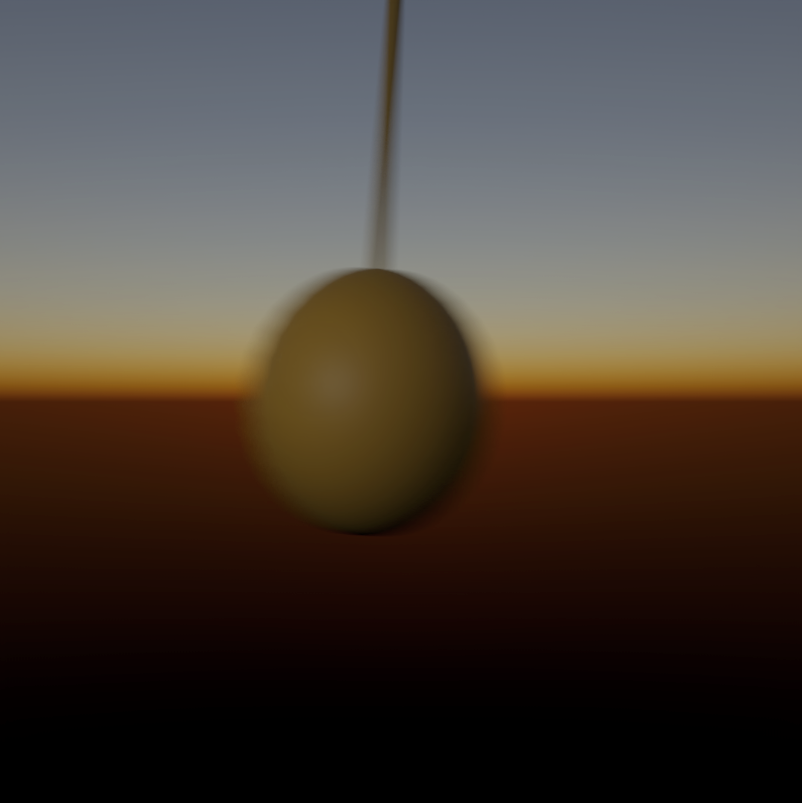
I'm experiencing banding in lots of areas with Sycles, even when rendering directly to EXR. When previewing of course they are more apparent, less apparent in Final render but they are there. So any These are mostly apparent in dark areas. Any idea how to remove them?
The image below is a full float EXR exported to PNG, notice the banding in the dark areas, any color correction make it worse.
And this is a direct render to PNG from XSI
-
Shekn
- Posts: 254
- Joined: 30 Dec 2016, 19:18
Re: Cycles for Softimage
Surface_VR
It's possible that render result is slightly different in different versions of the render. This is because Cycles developers tweak different aspects of the renderer. In particular vdb rendering. All your images looks correct and I can not see any artefacts or something similar.
I3D
I don't fully understand the problem. The first image is rendered into exr and then converted into png in external application, right? Is it one image with background or two images (object and backround in separate files and then composed in an application)? I make simple test with motion blurred sphere over non-transparent background, render it into exr and png. After converting exr into png in Photoshop (using simple Exposure and Gamma method) the results are identical.
It's possible that render result is slightly different in different versions of the render. This is because Cycles developers tweak different aspects of the renderer. In particular vdb rendering. All your images looks correct and I can not see any artefacts or something similar.
I3D
I don't fully understand the problem. The first image is rendered into exr and then converted into png in external application, right? Is it one image with background or two images (object and backround in separate files and then composed in an application)? I make simple test with motion blurred sphere over non-transparent background, render it into exr and png. After converting exr into png in Photoshop (using simple Exposure and Gamma method) the results are identical.
-
avalon_70

- Posts: 45
- Joined: 09 Jan 2021, 13:59
Re: Cycles for Softimage
Hello everyone and especially "Shekn" who is doing a fantastic job!
In my own small way I want to contribute.
I created an Architectural Material, similar to that of Softimage.
I state that I am just a 3D graphics Design, so what I have done is limited to the use of shader nodes.
For example, I had to contend with the fact that most cycle's shaders don't return RGB once inside a compound, and for this I lost long time for resolve it.
Short explanation. Practically it follows the original Architectural Material, these are the differences:
All colors (except Diffuse) have a "Weight" parameter (Redshift style);
All colors have a "Gamma" parameter, which is needed once set to 2.2 to have perfect correspondence between the shader color and the render (Redshift style, put on my request, obviously done better and in the render panel, when I was beta testing) ;
I had to put the "Fresnel" parameter inside the reflections as "Weight" because I don't know how to put a Boolean check (if anyone knows how, please tell me how to do it).
Hope you like it.
Alessandro (Alex)
In my own small way I want to contribute.
I created an Architectural Material, similar to that of Softimage.
I state that I am just a 3D graphics Design, so what I have done is limited to the use of shader nodes.
For example, I had to contend with the fact that most cycle's shaders don't return RGB once inside a compound, and for this I lost long time for resolve it.
Short explanation. Practically it follows the original Architectural Material, these are the differences:
All colors (except Diffuse) have a "Weight" parameter (Redshift style);
All colors have a "Gamma" parameter, which is needed once set to 2.2 to have perfect correspondence between the shader color and the render (Redshift style, put on my request, obviously done better and in the render panel, when I was beta testing) ;
I had to put the "Fresnel" parameter inside the reflections as "Weight" because I don't know how to put a Boolean check (if anyone knows how, please tell me how to do it).
Hope you like it.
Alessandro (Alex)
You do not have the required permissions to view the files attached to this post.
-
Surface_VR
- Posts: 39
- Joined: 11 May 2020, 12:22
Re: Cycles for Softimage
Nice!
Switch in Cycles is still a numerical input as far as I know, so I think Weight is the right choice!
Switch in Cycles is still a numerical input as far as I know, so I think Weight is the right choice!
You do not have the required permissions to view the files attached to this post.
-
avalon_70
- Posts: 45
- Joined: 09 Jan 2021, 13:59
Re: Cycles for Softimage
good to know!Surface_VR wrote: 14 May 2022, 13:23 Nice!
Switch in Cycles is still a numerical input as far as I know, so I think Weight is the right choice!
I edited the material by fixing the shadow bug which has cycles with transparent objects (crazy!).
I have currently used the usual transparent shader with the light path, which works but does not read refraction (edges, folds etc.).
I haven't found any source on how to get around it, if anyone knows, please come forward
 .
.You do not have the required permissions to view the files attached to this post.
-
I3D
- Posts: 122
- Joined: 12 Aug 2009, 16:15
- Skype: ironic3d
Re: Cycles for Softimage
Awesome, thanks avalon_70