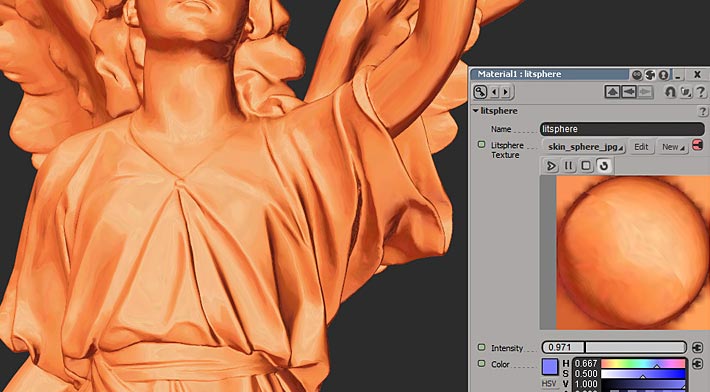
The texture you see there is just a stand-in texture I pointed at since everyone should have it (I should make it the noicon img.... There are no matcap textures included and I didn't want to package this as an addon just to install one. You'll need to DL one and replace the texture, or use one from this forum.

It's perfectly ok to use the matcap in the diffuse slot of a material like a constant, if that is stable for you. It should still look right, and you can then do interesting stuff like make the surface reflective, which might look cool. Or you can use it with other combinations, the shader is just outputting color.
So the image you show may be working right, and only need a matcap image instead of that one. That's all a matcap really is, it's a texture of a particular type, mapped to the object according to the relationship between the surface normals and the camera. That's why it is such a good choice for tools like zBrush which have to shade millions of polygons in real time - they can make meshes look like they have cool lighting with almost no processing cost.
I hope that helps a little!