I made a cheesy script to make me like this a bit more in my workflow. I was trying to figure out how to come up with a way to use the surfaces initial rgb as a basis for the sliders and how to make it alot less situation dependant, use "if" commands for different scenarios etc - when m8 came round and we got drunk

.. too drunk to think on it now hehe, might aswell show and maybe others can point out where I am going wrong and laugh ?
 http://pastebin.com/xrVMxvG0
It is very rough, basically run topocolors on your object then fire off the script and select a material. As long as the material has a phong node that doesn't have any inputs in its rgb, it should duplicate the material and replace the original TopoColors ones with some basic control.
This is so far from what I envisioned heh, dunno how much it is worth really

, just thought I would share.
My initial idea was select the material and it'd do a hue shift that could be controlled, but keep the basic settings you have on the object you are working on. This hack I ended up with at least it keeps the original phong settings, and with a bit of tweaking can get the subtle hue shift I was thinking on. The ambient slider you can adjust to get more of a pronounced colour if you haven't set scene ambient level to 0. Also the material renaming part won't work if you already have cloned the material that you select.. something with the same name but 1 after it hehe... unfinished and sucky, probably alot better off just duplicating the material three times and adjusting manually
Edit: oops, should also note that you seem to have to pick the material from explorer set to materials.. dunno how I ended up with that restriction hehe, I suck
 Moderator edit: changed the CODE tags into URL tags - HB








































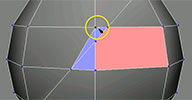

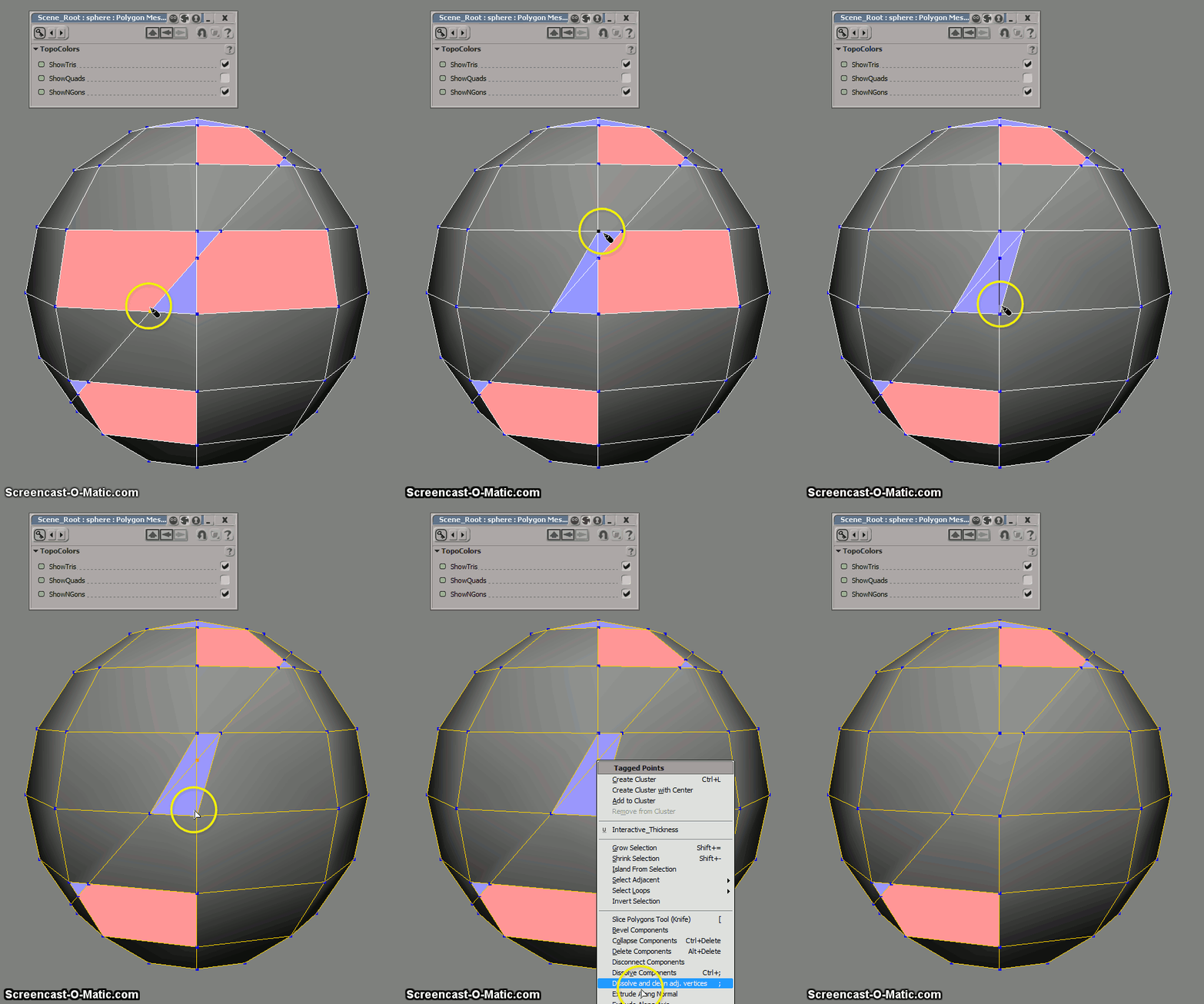



 Cool idea, looks really useful. If I may suggest something: Maybe change default n-gon coloring since its bright red can be confused with a polygon selection (depending on how the light falls on the object)

